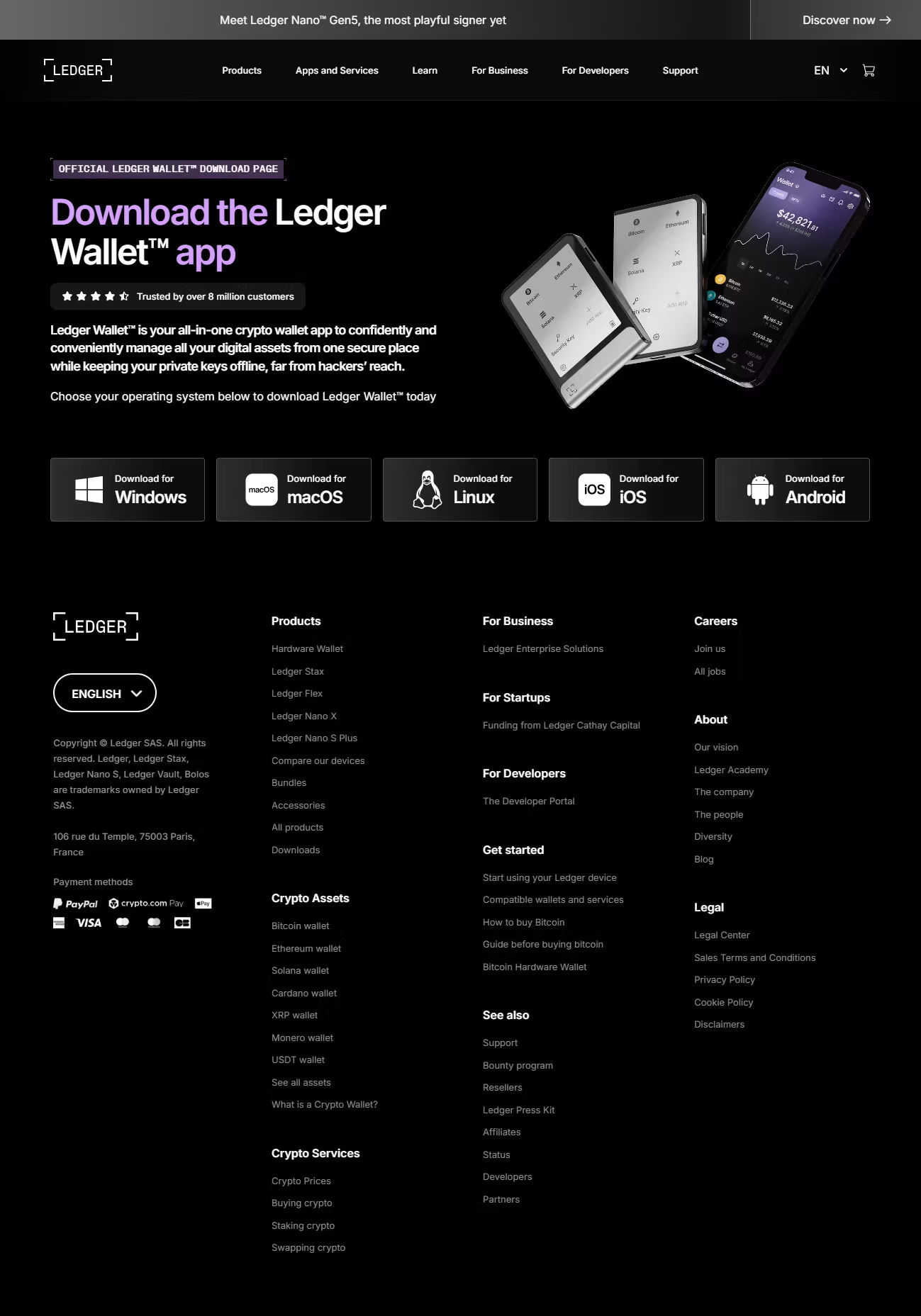
Ledger.com/start – Complete Guide to Setting Up Your Ledger Wallet
Introduction to Ledger.com/start
Managing cryptocurrency securely starts with choosing the right wallet and following the correct setup process. Ledger.com/start is the starting point for users who want to configure their Ledger hardware wallet and learn how to manage their digital assets. Whether you are new to cryptocurrency or already familiar with blockchain technology, understanding the setup process can make your experience easier and more secure.
Ledger hardware wallets are designed to protect private keys using dedicated physical devices. With the help of Ledger's companion software, users can manage supported cryptocurrencies, review transactions, and maintain greater control over their digital assets.
What Is Ledger.com/start?
Ledger.com/start is Ledger's setup destination for users preparing to use a compatible hardware wallet. It provides access to setup instructions, software downloads, and useful information for configuring a device.
The setup process generally involves connecting your Ledger device, installing the official Ledger application, creating a PIN, and securing your recovery phrase. Following the correct instructions helps beginners understand how hardware wallets work and how to protect their wallet access.
How to Set Up a Ledger Hardware Wallet
Getting started with a Ledger device is straightforward when you follow the appropriate instructions for your model.
Step 1: Visit the Official Ledger Website
Open your browser and manually enter https://www.ledger.com/start. Check the website address carefully before proceeding. Avoid unfamiliar websites and unexpected links that claim to provide Ledger wallet downloads.
Step 2: Download the Ledger Application
Download Ledger's official companion application from its verified website or an authorized app store. Install the version compatible with your computer or mobile device.
The application provides an interface for managing accounts, checking balances, installing blockchain applications, and reviewing supported transactions.
Step 3: Connect Your Ledger Device
Connect your hardware wallet using its supported connection method. Follow the instructions displayed on both the application and your physical device. If you are using a new wallet, select the option to initialize it as a new device.
Step 4: Create a Secure PIN
Your Ledger device will guide you through creating a PIN. Choose a combination that is difficult for others to guess and keep it private. This PIN helps prevent unauthorized physical access to your hardware wallet.
Step 5: Protect Your Recovery Phrase
During new-device initialization, your Ledger will generate a recovery phrase. Write it down accurately and store it somewhere secure and offline.
Never share your recovery phrase with another person. Do not enter it into websites, messaging applications, or online forms. Anyone who obtains this phrase may gain access to your cryptocurrency.
Benefits of Using a Ledger Wallet
Ledger hardware wallets offer several useful features for cryptocurrency owners:
Private Key Protection: Designed to keep private keys within the hardware device.
Transaction Approval: Review and approve transactions using your physical wallet.
Asset Management: Manage supported cryptocurrencies through compatible software.
Account Organization: Keep different supported crypto accounts organized.
Security Control: Maintain personal control over wallet access and recovery information.
Important Security Tips for Ledger Users
Security should remain a priority throughout your cryptocurrency journey. Always download software from official Ledger sources and keep your device firmware updated through verified instructions.
Before approving a transaction, carefully check the recipient address and transaction details on your hardware wallet screen. Never trust unsolicited messages requesting your PIN or recovery phrase. Ledger support will never need your complete recovery phrase.
Conclusion
Ledger.com/start is a useful starting destination for anyone preparing to configure a Ledger hardware wallet. From installing the companion application to initializing the device and protecting recovery information, following the correct setup instructions can help create a more secure cryptocurrency management experience.